
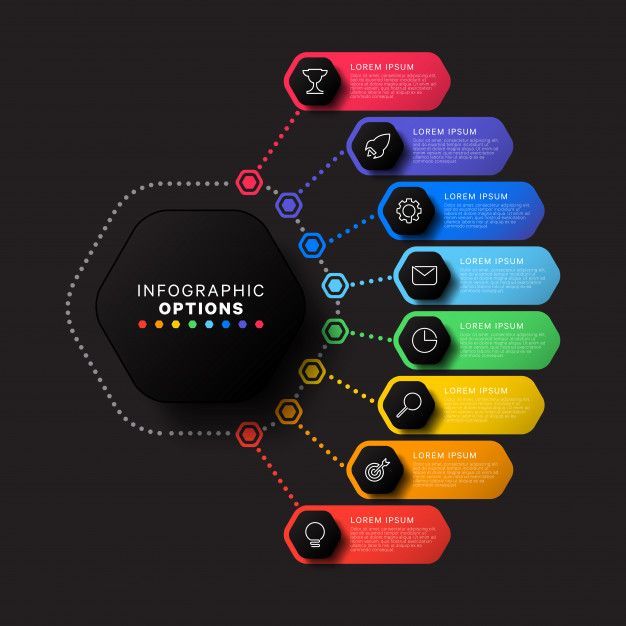
In a world full of information, grabbing attention is harder than ever. People don’t have time to read long articles or reports. This is where infographics come in. An infographic is a visual way to present information, combining text, images, icons, and charts to make ideas clear and engaging. They are powerful tools for communication, learning, and marketing.
Why Infographics Are Important
- Simple and Easy to Understand: Humans process visuals faster than text. Research shows that people remember 80% of what they see compared to just 20% of what they read. Infographics simplify complex ideas, helping people understand your message instantly.
- Increase Engagement: Content with visuals attracts more attention. On social media, infographics are more likely to be shared, liked, or commented on. They help your message reach a wider audience and make your brand memorable.
- Enhance Learning and Retention: Infographics aren’t just for marketing. Teachers and trainers use them to explain concepts clearly. They help learners compare data, identify trends, and retain information more effectively.
- Boost Your Online Presence: Websites with engaging visual content perform better in search engines. Infographics encourage longer visits, more shares, and backlinks—all factors that improve your site’s SEO.
How to Create an Infographic
- Pick a Topic: Start with a clear goal. Decide what story you want to tell or which data you want to highlight. You can still do that with the help of AI tools like Chatgpt, Qwen.ai
- Collect Accurate Data: Use trustworthy sources to gather facts, statistics, or insights. Accuracy builds credibility.
- Plan the Layout: Organize your information logically. Group related points together and sketch a rough design before creating it digitally.
- Design with Visual Appeal: Use charts, icons, and colors to make your infographic attractive. Keep it simple—too much text or clutter can confuse viewers.
- Use Easy Tools: Use platform like Canva,
i. On the search bar, type “Instagram Carousel”
ii. Choose a template of your choice. Normally has more than 4 pages.
iii. Edit it with the data or information you have. Add images, elements and icons where necessary. - Share Your Work: Post your infographic on social media, blogs, or email newsletters. Encourage others to share it to maximize reach.
Infographics are more than just pretty pictures—they are storytelling tools that make information memorable. Whether you want to educate, market, or simplify complex ideas, a well-crafted infographic can communicate your message clearly and quickly.
After all, a picture may be worth a thousand words, but a great infographic can tell a whole story in seconds.